
AI reception, from setup
to the next customer call
TalkWize gives service businesses a way to set up and manage an AI receptionist. Our team connected purchase, business details, phone setup, and call records in one workflow, with transcripts and email summaries to support customer follow-up.
Overview
Home service teams often handle customer calls while coordinating jobs and working in the field. TalkWize provides an AI receptionist and a place to manage it. Our team built the path from purchase and account setup to business-specific instructions, phone configuration, and conversation records. Owners can review call details and adjust the receptionist through a shared web application.
The Challenge
TalkWize needed a repeatable way to turn a new purchase into a configured receptionist. The setup had to collect business details, connect phone service, and provide useful call records while keeping each company’s information separate.
Purchase, account access, phone setup, and call records depended on several connected services. We built the application and event handling that link those steps, giving business owners one place to configure and manage the receptionist.
Our Approach
We connected the customer journey from purchase to daily use, with a guided setup and records that make call activity easier to follow.
1. Connect purchase and account access
Integrated Stripe Checkout with account creation and access emails. A completed purchase starts the setup journey, linking the business account, authentication, and onboarding records.
2. Guide business and phone setup
Built five setup steps covering account credentials, business details, receptionist instructions, agent creation, and phone provisioning. Industry templates provide a starting point that can be tailored to the business.
3. Capture call activity
Connected Retell call events to the application through a dedicated receiver. Workflows track call status, store conversation details, and send email notifications so owners have a record to follow up on.
4. Support ongoing management
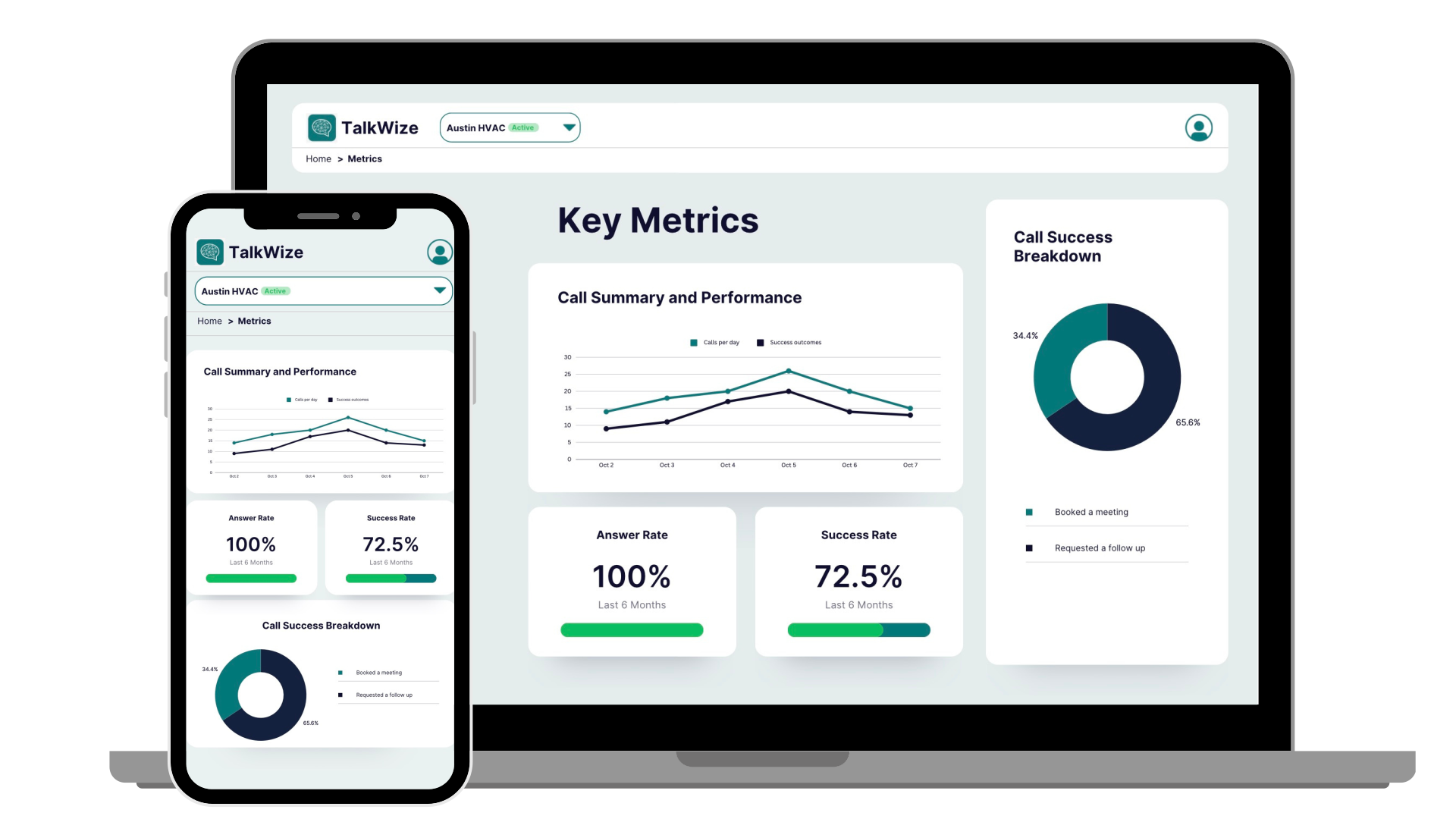
Built a dashboard for receptionist status, call history, and settings. Owners can review transcripts, adjust business instructions, and access account and billing information from the same application.
Key Deliverables
Purchase and account access
- Online checkout through Stripe
- Account creation after purchase
- Email links for initial access
- Password setup during onboarding
Guided setup
- Five steps with progress tracking
- Business details and industry selection
- Editable receptionist instructions
- Voice-agent creation
- Phone number configuration
Call processing
- Dedicated call-event receiver
- Status tracking through the call lifecycle
- Conversation storage and email workflows
- Service health endpoint
Business records
- Separate business accounts
- Conversation and instruction records
- Onboarding status and activity logs
Web application
- Receptionist status dashboard
- Call history and transcripts
- Editable business instructions
- Account and billing access
Deployment
- Web application hosted on Vercel
- Call-event server hosted on Render
- Supabase accounts and database
- Connected workflows through n8n
What the system makes possible
A guided route from purchase to receptionist configuration
Business-specific instructions for incoming conversations
Call transcripts and summaries available for review
Notifications support the next customer follow-up
TalkWize connects the steps needed to configure and manage an AI receptionist. Business details inform the call instructions, while transcripts, summaries, and notifications give owners a record to act on. The team can manage onboarding and call activity through the same application.
Technologies Used
Which customer calls are hard to keep up with?
If calls and follow-up compete with the work your team needs to deliver, we can help. We review the customer journey and build practical processes and tools for handling inquiries, capturing details, and supporting the next step.